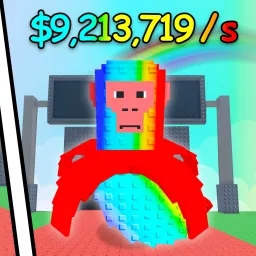
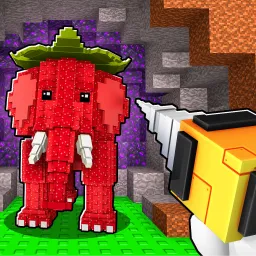
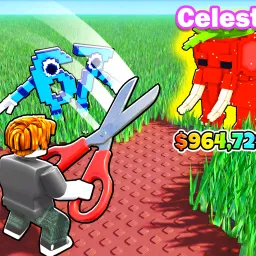
Find the Brainrot on Roblox is a creative exploration and discovery game that challenges players to locate cleverly hidden Brainrots scattered across diverse, imaginative maps. Each level offers unique environments filled with secrets, puzzles, and tricky spots that test both patience and curiosity. Whether you’re uncovering your first Brainrot or striving to complete the full collection, every find feels rewarding.
The official Find the Brainrot Discord server brings together hunters from all corners of Roblox who share a love for discovery and teamwork. Inside, players trade hints about elusive Brainrots, share screenshots of hard-to-reach locations, and celebrate their achievements together. The moderators keep the atmosphere welcoming and organized, ensuring new explorers can easily join the fun.
The server also serves as a direct link between the community and the developers, who frequently post updates about new maps, hidden additions, and upcoming challenges. Feedback channels allow fans to suggest improvements or new hiding spots, making the community an active part of the game’s evolution.
If you love solving mysteries and collecting rare finds, the Find the Brainrot Discord is the perfect place to connect with fellow seekers. Share discoveries, get guidance, and be among the first to know when fresh content drops—it’s the ultimate companion for your Brainrot-hunting journey.