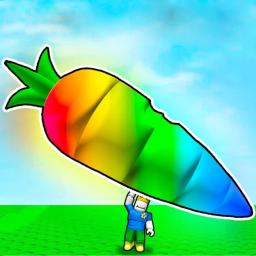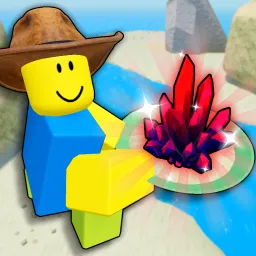
Find the Markers is a massively popular Roblox scavenger hunt known for its ever-expanding roster of collectible “Markers”—quirky icon objects hidden across dozens of realms, via obbys, puzzles, lore scrawls, and Easter eggs. With over 320 unique Markers, the game rewards curiosity and exploration in equal measure. Each discovery adds to your Markerdex, guiding you toward rarer finds like Insane, Extreme, or Markerous tiers.
Players move through creatively themed worlds—from candy zones to eerie abandoned rooms—scouting, solving markers, and unlocking paths. Markers can be cleverly concealed, behind timed puzzles or disguised in hard-to-reach spots, making each run unpredictable and rewarding. Regular updates continuously introduce new content—from event-specific capsules to entirely new biomes—keeping even seasoned hunters on their toes.
The official Find the Markers Discord server is the definitive hub for enthusiasts. With over 18,000 members, it’s where devs announce new Marker reveals, community milestones, and patch notes—and where players share hints, maps, and collectible strategies. It’s also the spot to access teaser info about upcoming unreleased Markers and team up with fellow players for co-op hunts.
Whether you’re pursuing every event marker or competing for completionist accolades, Find the Markers offers hours of exploration and collectibles satisfaction. And with the Discord community acting as your guide, meeting place, and strategy center, your Marker hunt becomes both social and satisfying.