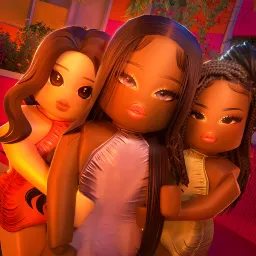
Friendship Island on Roblox throws players into a high-stakes, socially charged competition where alliances are just as important as skill. Set in a tropical villa, this reality TV-inspired experience blends minigames, partner-based challenges, and elimination rounds. Every action can tip the scales — from winning a task with your duo to making the right call at the fire pit vote.
Players earn Hearts by participating in challenges and interacting positively with others, which can be used for fun cosmetics and social boosts. The game thrives on building relationships, sabotaging rivals, and adapting to constantly shifting dynamics. It’s not just about being the best — it’s about being liked and staying in the loop.
The official Friendship Island Discord server adds a critical social layer to the experience. This is where players gather to share strategies, discuss updates, and participate in community events. Most importantly, the server is the main source for exclusive redeemable codes and sneak peeks into upcoming content. Whether you’re a villa veteran or just arrived, the Discord helps you stay ahead of the twists.
If you enjoy interactive drama, teamwork, and the thrill of social survival, Friendship Island delivers. With the Discord community always buzzing, you’ll never miss a beat — or a code drop.