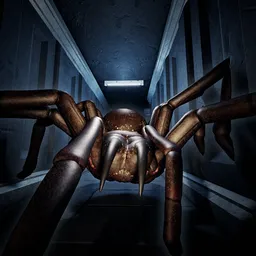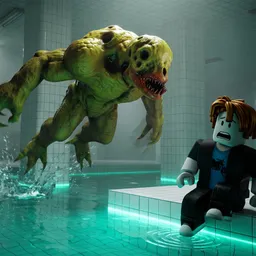
The quiet sloshing of a swimming pool suddenly becomes the most terrifying sound in the world. Welcome to It Hears The Water, an incredibly tense horror experience on Roblox where sound design is your ultimate savior—and your absolute downfall. Trapped inside a labyrinth of eerie pools, your only objective is to cooperate with your team and escape. But you are not alone. A blind, relentless entity stalks the halls, completely unable to see you, but hyper-sensitive to the slightest disturbance in the liquid beneath your feet.
Every step you take requires absolute composure, as a single careless sprint or accidental splash will instantly alert the monster to your exact coordinates.
The game heavily pushes its immersive atmosphere, explicitly recommending headphones and maximum graphic settings so you can accurately pinpoint the monster’s blind movements through audio cues. Playing this kind of psychological survival game on Roblox with uncoordinated, panicked random players almost guarantees a swift, brutal elimination because someone else’s mistake can easily get you killed.
To successfully navigate the damp corridors and secure your escape, silent coordination is mandatory. The official It Hears The Water Discord hub acts as the main underground bunker for survival planning. Instead of relying on messy in-game chat boxes that block your view, players use the server to sync up voice channels, share layout maps of the pool rooms, and coordinate careful stealth movements.
Stop drowning in silence with unreliable teammates. Link up with experienced horror enthusiasts on the It Hears The Water Discord server, mute your microphone when necessary, and figure out how to outsmart the entity together.