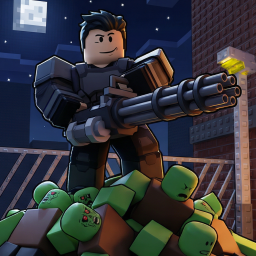
Kaiju Alpha

Play Roblox Kaiju Alpha and join the official Discord for update news, monster stats, patch notes, and community strategy tips!

Kaiju Alpha - Community Server Discord server

Created: March 31, 2026

Members: 85231

Join Discord Server

Stepping into Kaiju Alpha on Roblox drops you right into massive, city-stomping chaos where you can play as colossal monsters or try to survive the destruction they leave behind.

The core experience revolves around raw power and scale. You smash buildings, battle other players, and level up your monster to unlock new abilities, mutations, and devastating attacks that let you dominate the map.

If you prefer playing on the human side, the gameplay shifts into a tense survival test where you have to use mobility and strategy to outmaneuver giant threats instead of going toe-to-toe with them.

Trying to figure out the best combat builds or keeping track of monster stats on your own can be tough, which makes joining the community super useful.

Hopping into the official Kaiju Alpha Discord server is the best way to get early news on update leaks, patch notes, and coordinate massive server-wide monster fights with other players.


How to join the Kaiju Alpha Discord server?

If you are wondering how to join the discord server "Kaiju Alpha" to get the latest updates, announcements, and guides, just follow these simple steps:

  1. Scroll back to the top of this page and click the prominent "Join Discord Server" button.
  2. You will be instantly redirected to the official invite link for the Kaiju Alpha community.
  3. If the direct link doesn't open automatically on your mobile device, simply copy the invite code from the URL, open your Discord app, click the "+" (Add a Server) icon, choose "Join a Server", and paste the code there.

Safe Browsing Reminder

Please note that Discord.Do is an unofficial educational guide and catalog. We are not affiliated with Discord, Inc. We will never ask for your password, email, or login token. True Discord authentication happens strictly on the official discord.com domain. Always verify your browser's address bar and practice digital hygiene!

Leave a Reply

Your email address will not be published. Required fields are marked *