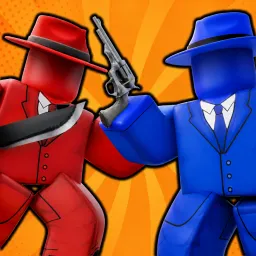
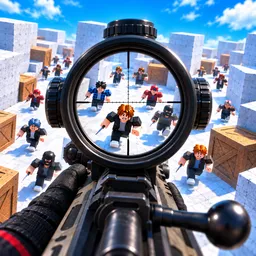
Victory in KNIFE DUELS is often decided in a matter of seconds. A perfectly timed throw, a quick dodge, or reading an opponent’s next move can completely change the outcome of a fight. The matches are fast enough that players rarely stop after one round, especially when they’re convinced they could have won the rematch.
That competitive mindset carries straight into the Discord conversations. A clip of a last-second elimination can turn into a debate over whether it was skill, timing, or pure luck. Someone asks how another player landed a difficult throw, and a more experienced duelist breaks the sequence down frame by frame. Before long, others are trying the same technique to see if it works consistently.
Whenever new knives, maps, or gameplay changes arrive, the discussion shifts just as quickly. Members compare first impressions, argue over balance, and look for tactics that weren’t possible before the update. If promotional codes are released, they’re usually shared alongside these early discoveries while everyone races to test the latest content.
Not every conversation is about winning. Some players stop by simply to post their best clips, challenge familiar rivals to another duel, or laugh about an impossible match that somehow slipped away. It’s those shared moments between battles that keep the community active even when no one is in a game.