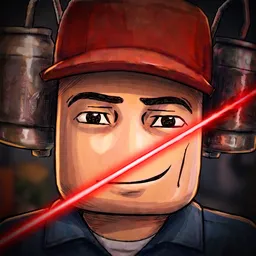
Machine Party has quickly become one of the most exciting and chaotic mini-game experiences on Roblox. Whether you are trying to survive dangerous traps, sabotage your friends, or unlock unique customizations for your test subject, playing with a coordinated team makes the game ten times better.
If you want to take your gameplay to the next level, joining the official Machine Party Roblox Discord server is a must. Here is everything you need to know about the community and why you should jump in today.
What is the Machine Party Discord Server?
The official Discord server is the main hub for the Machine Party community. It connects thousands of players from all around the world who share a passion for this high-stakes Roblox game. Instead of playing with random users who might leave mid-match, the server allows you to find dedicated players who want to win.
Key Benefits of Joining the Server
- Find Teammates (LFG): The server features active Looking For Group (LFG) channels. You can instantly find skilled partners or create a full lobby for the ultimate party game match.
- Exclusive Codes and Updates: The game developers regularly post active promo codes, patch notes, and sneak peeks of upcoming updates. Being in the Discord ensures you never miss out on free rewards.
- Voice Chat Channels: Communication is key in Machine Party. You can jump into active voice channels to coordinate your strategy or just laugh with friends during chaotic rounds.
- Report Bugs and Cheaters: If you encounter a glitch or a player breaking the rules, you can directly use the support channels to inform the moderation team.