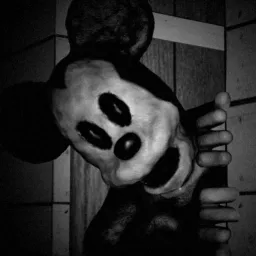
You hear the whistle before you see the ship. Somewhere beyond the fog, the S.S. Willie is still sailing, despite having vanished with its entire crew and cargo. MOUSE is a Roblox horror experience inspired by The Vanishing of S.S. Willie, turning the familiar black-and-white steamboat cartoon aesthetic into something much more unsettling. Grab your crew, row out into the mist, and try to make it back.
The trouble begins when you reach the vessel. The ship’s history doesn’t add up, and the eerie atmosphere suggests that whatever happened aboard isn’t finished yet. What starts as an expedition into a maritime mystery becomes a fight to get away from something that shouldn’t still be there.
The official MOUSE Discord brings players together to discuss their experiences, share discoveries, and follow announcements about the game. Horror games are often more interesting when you compare what different players encountered, especially when the environment leaves room for questions about what you’re seeing and hearing.
MOUSE draws on the public-domain Steamboat Willie cartoon, but takes that imagery in a darker direction, with no affiliation with or endorsement by Disney. The result is a strange mix of vintage animation and maritime horror. The whistle is still out there in the fog; the real question is whether your crew will find a way back before the ship claims you too.