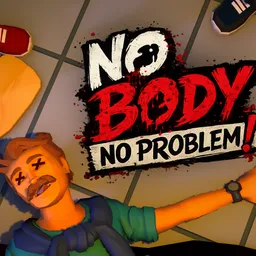
Not everyone in No Body No Problem! is on the same side. Three players are trying to erase the evidence of a murder, while the fourth is searching for proof as the responding police officer. The suspects have to hide the body, clean up the scene, and avoid attracting attention before the cop arrives. It is a four-player social stealth game where even a badly placed chair can give the whole operation away.
What makes the matches interesting is the balance between teamwork and suspicion. Suspects need to coordinate their cleanup, but a careless teammate can leave an obvious clue or make a complete mess of the room. Meanwhile, the cop has to pay attention to more than just the missing body: disturbed objects, broken furniture, open doors, and suspicious behaviour can all give the game away. Different locations also change how players approach each crime scene.
The official Discord server gives players somewhere to put those arguments, failed plans, and accusations between matches. You can look for people to play with, chat about the game, and keep track of what’s changing. The developers also use the community to collect criticism and suggestions, and have specifically encouraged players to report problems through Discord. Recent additions, including handcuffs, police radios, and sirens, show that player feedback is part of the ongoing development process.