Introducing OneTap – the revolutionary cloud gaming application that redefines your gaming experience. With OneTap, there’s no need to install or download games anymore. Simply click to play instantly, without adding burden to your phone storage or causing overheating.
Enjoy seamless gaming without worrying about heavy battery consumption. OneTap harnesses the power of cloud computing to deliver high-quality games directly to your device. Immerse yourself in a vast library of popular games that are regularly updated for your enjoyment.
Experience limitless gaming. Whether you’re using low-spec devices or limited storage space, OneTap offers uncompromising top-tier gaming experiences. Say goodbye to long loading times and frustrating updates. With OneTap, your games are always up-to-date and ready to play.
Unleash the full potential of your gaming sessions, free from interruptions or restrictions. Dive into adrenaline-pumping battles, explore immersive worlds, and effortlessly tackle challenging missions. With OneTap, start your gaming adventures with just a tap.
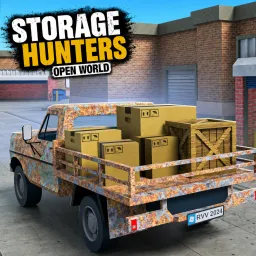
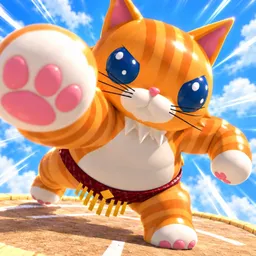
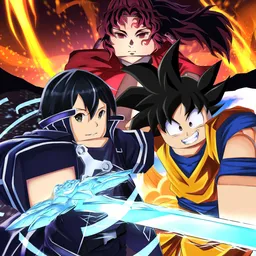
The ultimate destination for gamers. Explore a variety of games across genres, all within reach. Immerse yourself in a wide range of popular and niche game collections, from action and adventure to strategy and puzzle games.
Get ready to transform your gaming habits completely. Say hello to OneTap – where the future of gaming begins. Download now and experience unparalleled gaming like never before.