Members: 4439
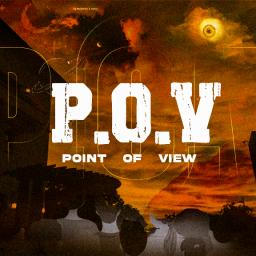
Join Discord ServerGreetings and a warm welcome to our vibrant community! Here at Point of View aka POV, we believe that everyone’s opinion matters. Our server is a place where diverse perspectives converge, dialogues flourish, and insights shine.
**Our Purpose :**
We value your presence and time. Our mission is to create a space for the benefit of our community, where every member feels valued and heard. We embrace the richness of diverse viewpoints, recognizing that it is through understanding and respect for different perspectives that we can truly grow and thrive together.
**Our Slogan: Cash the Time**
At POV, we believe in making every moment count. Your time here is valuable, and we want to ensure it’s rewarding too! That’s why we offer rewards and incentives based on your activeness and contributions to the community. The more you engage, participate, and share your insights, the more rewards you’ll earn. So let’s make every moment count and cash in on the time we spend together!
**Why You Want to Be on Our Server :**
We value your presence and activeness on the server. Your unique perspective and contributions enrich our community, and we appreciate your commitment to fostering a welcoming and engaging environment for all.
Once again, welcome to Point of View (POV)! We’re thrilled to have you here, and we look forward to sharing this journey with you.