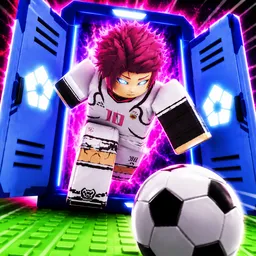
Project: Blue Lock is a dynamic Roblox soccer game developed by Sub Studios, inspired by the popular anime and manga series Blue Lock. In this game, players step into the role of aspiring strikers participating in a high-stakes training program designed to identify the best of the best. Engage in fast-paced 5v5 matches, hone your skills, and rise through the ranks to become the ultimate goal-scorer. With weekly updates introducing new styles like NEL Nagi and NEL Rin, as well as revamped user interfaces and additional game modes, the game offers a continually evolving experience.
To enhance the gaming experience, Project: Blue Lock provides redeemable codes that grant players free Spins, which can be used to unlock new character styles and abilities. These codes are regularly updated and can be found through official channels.
The official Project: Blue Lock Discord server serves as the central hub for the game’s community. Here, players can stay informed about the latest updates, participate in discussions, and connect with fellow fans. The server features channels dedicated to game news, code announcements, and community events, fostering a collaborative environment where players can share strategies and feedback.
By joining the official Discord server, players gain access to a wealth of resources and support, enriching their overall gaming experience. Whether you’re seeking strategic advice, looking to showcase your achievements, or simply wanting to engage with fellow fans, the Project: Blue Lock Discord server caters to all aspects of the player journey.