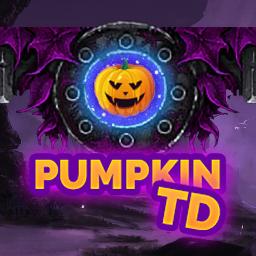
This is the home for the official English version of Pumpkin TD, a server where people can contribute and share ideas, feedback, tips, strategies, load their save code and engage in anything that has to do with Pumpkin TD.
Pumpkin TD is a random type TD where players construct random towers of random tiers that can be combined to form higher tier towers. Towers are grouped by tiers ranging from Tier 1 being the lowest, up to Tier 8 being the highest. Tech tree towers, follows a specific path of combinations to reach the ultimate tech tower of that type. There are also certain Special towers that can be acquired by evolving certain towers, gambling in the slot machine and by completing quests. Experience 6 thrilling game modes for up to 6 players and form the ultimate setup from the pool of 114+ towers with unique abilities. Actively developed and with an ever growing community, we welcome you to Pumpkin TD.
• Automatic Save/Load System – Hunt and get an ever expanding set of unique builder skins, titles, title colors, wings and other builder effects!
• 14 unique, challenging, fun and rewarding quests to complete
• Unique tower abilities – find the ultimate combination and deal the most damage possible to the damage test
• 6 unique modes to choose from: Easy, Normal, Hard, Extreme, Master and (Race with or without gambling)
• 61 balanced rounds of pure joy
• Hall of Fame leaderboards