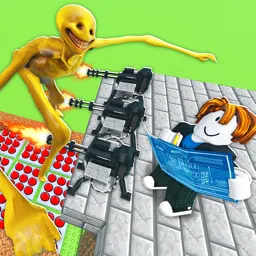
Welcome to the Roblox Rally, the ultimate gathering place for all Roblox enthusiasts! Our server is dedicated to bringing the Roblox community together through exciting events, engaging activities, and a shared love for the game.
Our Mission:
Our mission is to create a fun, inclusive, and interactive space where Roblox players of all ages and skill levels can come together. We aim to provide a platform for members to participate in events, collaborate on projects, and share their experiences and tips.
What We Offer:
Regular Events: Participate in a variety of events, from game nights and tournaments to build contests and scavenger hunts. There’s always something happening at Roblox Event Hub!
Exclusive Giveaways: Win amazing in-game items, Robux, and more through our frequent giveaways and contests.
News and Updates: Stay updated with the latest Roblox news, updates, and event announcements. Never miss out on important information and game-changing updates.
⭐Friendly Community: Our server is home to a friendly and welcoming community. Whether you’re a seasoned player or new to Roblox, you’ll find a place here.
Active Moderation: Our team of dedicated moderators ensures that the server remains a safe and enjoyable environment for everyone. We enforce rules fairly and are always here to help.
Join us today and become a part of the Roblox Event Hub family. Together, let’s make every Roblox event an unforgettable experience!