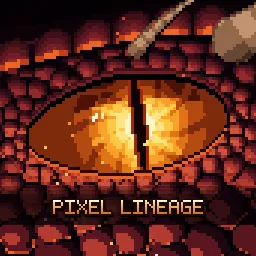
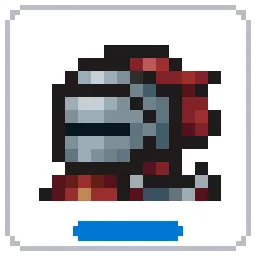
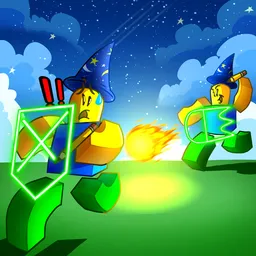
Rogueblox is a permadeath roguelike RPG on Roblox that balances intense risk and reward with deep, evolving gameplay. Inspired by classics like Rogue Lineage and Deepwoken, it challenges players to choose from varied races and classes, master combat skills, and explore a sprawling world where every death could mean starting over—unless you’ve grown strong enough to leave a mark.
At the heart of Rogueblox lies its rich systems: a layered journal logs your progress, mana mechanics shape every encounter, and your choices—such as your alignment—open different story paths. Unlocking races like Goblin or Lihzahrd, learning spells, acquiring gear, and completing quests all tie into a meta-progression loop: each epic run can net relics and experience that shape your next character.
The official Rogueblox Discord server is the central hub for serious adventurers. It’s where devs post patch notes, roadmap reveals, and livestream Q&As directly with the community. Players can compare class builds, share dungeon routes, or coordinate PVP encounters. There are dedicated channels for trading tips, recruiting for group runs, and early PVE/PVP group event coordination.
With its high-stakes, skill-based combat and roguelike depth, Rogueblox offers a thrilling journey every time you log in. And with its Discord server delivering real-time updates, strategy guides, and developer access, you’re equipped to survive, thrive, and carve out legendary tales in a world where every decision matters.