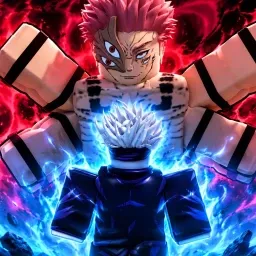
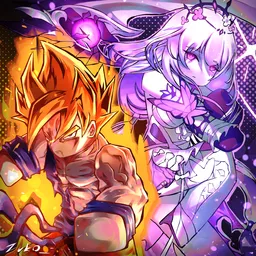
Shonen Unleashed is a dynamic arena fighter on Roblox that brings together iconic characters from popular anime series. Players can engage in fast-paced battles, mastering unique abilities and strategies to dominate the arena. With a roster featuring characters from series like Dragon Ball, Naruto, and One Piece, the game offers a diverse and immersive combat experience.
The official Discord server serves as the central hub for the Shonen Unleashed community. Here, players can stay updated on the latest game developments, participate in discussions, and connect with fellow fans. The server features channels for announcements, updates, and community events, fostering an environment of collaboration and engagement.
In addition to community interaction, the Discord server provides access to exclusive in-game codes, offering rewards such as cash and tokens. These codes enhance the gaming experience, allowing players to unlock new characters and abilities. The server also hosts giveaways and polls, giving members the opportunity to influence game balance and content.
For players seeking detailed information on game mechanics, character abilities, and maps, the Shonen Unleashed Trello board is an invaluable resource. It offers comprehensive guides and updates, ensuring that players have the tools they need to succeed in the arena.