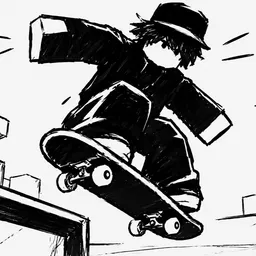
Skateboard Obby offers a fast and livestreamed skateboarding experience on Roblox—players dash through themed worlds, hitting ramps, rails, and loops in timed runs while unlocking new boards and trails. Coin collection enables access to better boards and cosmetic trails, making every run more stylish and competitive.
What sets this obby apart is its blend of precision movement and freestyle flair. Each map features unique layouts (like squid game themes or mega ramps) that force quick decision-making and smooth grind paths. Speedruns and emote-friendly finishes are rewarded in the replay community, with a focus on leaderboard climbs and aesthetic finesse.
For players looking to stay ahead in the game, the official Skateboard Obby Discord server is the community hub to join. It’s the first spot where redeemable codes drop—usually for free coins or cosmetic unlocks—and where players share racing tips, board builds, and glitch-free routes. Developers also post patch announcements, event news, and participate in base-level discussion.
Joining the Discord connects you to grip-tight racers striving for sleek tricks and circuit mastery. With shared strategies, timely code drops, and a space to celebrate clean lines and ramps, it’s the perfect support for anyone looking to ollie past the competition.