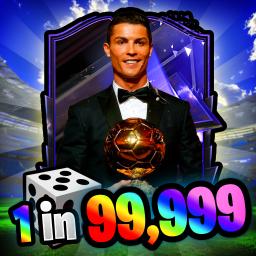
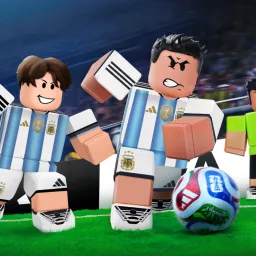
Soccer Prime RNG is a Roblox card battle game developed by Pixellar Studios, where players collect football player cards inspired by real-world athletes. The objective is to build a formidable team by rolling for player cards and competing against others in ranked matches. Players can also engage in battle raids against AI opponents, adding variety to the gameplay.
The game offers various modes, including ranked matches and battle raids against AI opponents. Players can also use the Relic Crafting area to craft enchanted items, enhancing their chances of obtaining top-tier cards.
To support its community, Soccer Prime RNG maintains an official Discord server. This platform serves as a central hub for players to discuss strategies, share experiences, and stay updated on the latest game developments. With a substantial membership base, the Discord community reflects the game’s growing popularity.
Joining the Soccer Prime RNG Discord server offers numerous benefits. Players can interact directly with the development team, participate in community events, and access exclusive codes for in-game rewards. The server also features channels for reporting bugs, suggesting improvements, and discussing gameplay mechanics, fostering a collaborative environment for both newcomers and seasoned players.
![Super Head Soccer [SHS] Discord server](https://discord.do/wp-content/uploads/2026/07/Super-Head-Soccer-SHS-Discord-server.webp "Super Head Soccer")