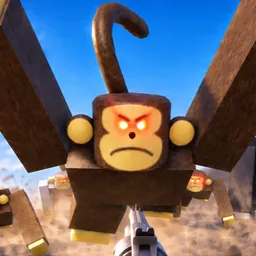
Static Dread is an immersive horror game that plunges players into a chilling narrative filled with suspense and psychological thrills. Developed by a passionate indie team, the game challenges players to navigate eerie environments, solve intricate puzzles, and confront unsettling entities, all while unraveling a deeply engaging storyline.
In Static Dread, players must rely on their wits and intuition to survive. The game emphasizes atmospheric tension over jump scares, creating a haunting experience that lingers long after gameplay ends. Its unique mechanics and compelling narrative have garnered attention within the gaming community, positioning it as a noteworthy addition to the horror genre.
To foster a supportive and interactive community, Static Dread maintains an official Discord server. This platform serves as a hub for players to share experiences, discuss strategies, and stay updated on the latest game developments. The server features dedicated channels for gameplay tips, fan art, and direct communication with the developers, enhancing the overall player experience.
Joining the Static Dread Discord server offers players the opportunity to engage with fellow enthusiasts, participate in community events, and gain insights into upcoming features and updates. Whether seeking assistance with challenging puzzles or sharing theories about the game’s lore, the Discord community provides a welcoming space for all fans.