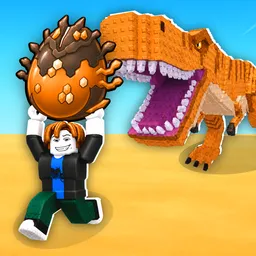
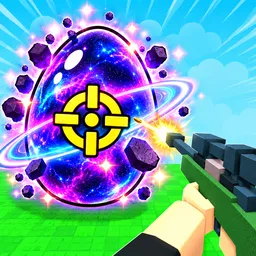
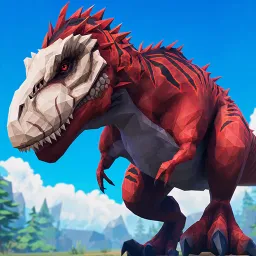
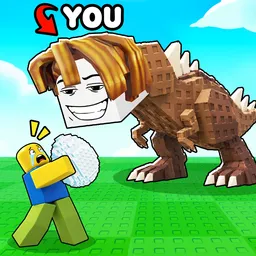
Steal a Dinosaur drops you into a quirky Roblox world where your goal is to claim and hoard dinosaurs—either by purchasing eggs or stealing them from rivals. Each dino generates passive income (“Bones”) that unlocks rarer eggs, base upgrades, and hunting tools. A clever blend of collection and PvP creates an addictive tension: protect your dinos or risk losing them in daring heists.
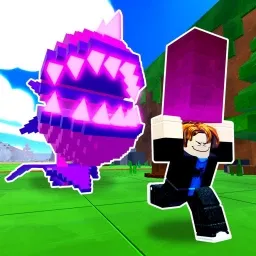
Progression revolves around strategic theft and defense. Coins let you enhance base locks, set turrets and alarms, or buy stealth gear. On the flip side, successful raids on others’ bases yield high-value dinosaurs and Bones for rapid growth. It becomes a cat-and-mouse game of strategy, timing, and risk management.
The official Steal a Dinosaur Discord server is the beating heart of this dino-thieving adventure. It’s where codes drop first—often granting Bones or free stealth gear—and where players share stealth routes, base layouts, and trading strategies. Devs use the server to post update teasers, patch notes, and time event alerts. Whether you’re plotting your next big heist or looking to swap dinos and tips, the Discord offers real-time insight and community support.
If you’re drawn to mixing collection grinders with PvP tension, Steal a Dinosaur delivers—and its Discord ensures every raid is smarter, more lucrative, and connected. Join to sharpen your thievery, trade dinos, and stay ahead in the fossil-stealing frenzy!