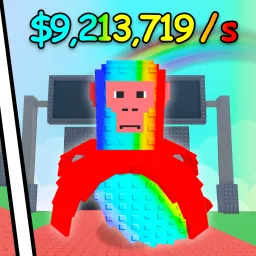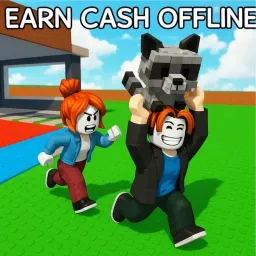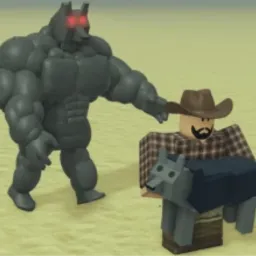
Steal a Meme is a chaotic Roblox tycoon where memes become your most profitable—and stealable—assets. Players invest in meme stations to generate cash over time, then infiltrate other bases to swipe high-value memes. Each meme you collect adds to passive income, but every base is a potential steal target. The result is fast-paced economy meets prank-fueled PvP.
Advancement comes through strategic resource use: you can purchase bats, slap tools, and troll gear to sabotage rivals or protect your own memes. Rebirth mechanics reset your progress in exchange for permanent multipliers and upgraded troll tools, giving each new run more depth. Whether you’re farming low-tier memes or chasing rare meme variants, every session feels fresh and entertaining.
The official Steal a Meme Discord server is the beating heart of the community. It’s where the latest redeemable codes land—granting cash boosts or rare meme unlocks—well before external websites list them. Players share base defense tips, stalking strategies, and trading guides. Developers also drop update teasers and listen to feedback on upcoming features.
If you’re into meme management, PvP trolling, and strategic chaos packaged with pixel-art absurdity, Steal a Meme delivers. Its Discord server gives you all the tools to plan heists, protect your collection, and collaborate—or compete—with fellow meme barons.