![[OFFICIAL] Sunshine Valley Discord server](https://discord.do/wp-content/uploads/2026/10/OFFICIAL-Sunshine-Valley-Discord-server.webp)
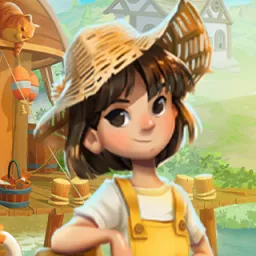
Sunshine Valley is a cozy farming RPG on Roblox where you can grow crops, raise animals, go fishing, and build a home that feels like your own. Developed by Playful, the game offers more than tending a field. You can explore mines, fight monsters, search for treasure, cook meals, and craft useful items as your little farm grows.
The official Sunshine Valley Discord is the place to follow game news, ask questions, participate in events and giveaways, and share your progress with other players. With the game in Early Access, it’s also worth keeping an eye on announcements as new features and changes arrive.
There’s plenty to do between harvests. You can adopt pets, befriend the locals, decorate your farmhouse, and recruit magical Sunshine Sprites to help with everyday tasks. Seasonal crops and changing catches give you reasons to try different activities rather than stick to one routine.
Sunshine Valley also lets you visit friends’ farms, exchange gifts, and lend a hand. Whether you’re looking for farming advice, showing off your latest harvest, or keeping track of what’s new, the official Discord gives you a place to share the experience with other players.