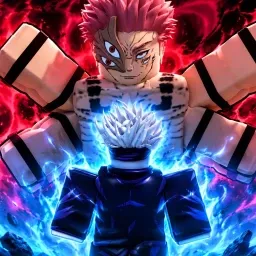
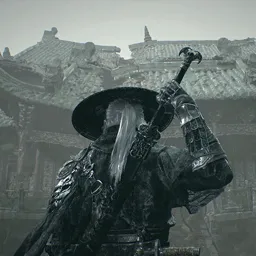
TYPE://RUNE is an anime-inspired Roblox game that immerses players in a vast world filled with supernatural abilities and expansive levels to explore alongside others. Developed by Lookim, the game offers a variety of combat styles and powers, allowing players to engage in dynamic battles and customize their characters to suit their preferred playstyles.
In TYPE://RUNE, players can choose from various factions, each offering unique abilities and progression paths. The game emphasizes skill development and strategic combat, encouraging players to master different fighting techniques and explore the expansive game world to uncover hidden secrets and challenges.
To support its growing community, TYPE://RUNE maintains an official Discord server where players can connect, share strategies, and stay updated on the latest game developments. The server provides channels for discussions, announcements, and support, fostering a collaborative environment for both new and experienced players.
Joining the official Discord server offers numerous benefits, including real-time updates on game patches, direct communication with the development team, and opportunities to participate in community events. Whether seeking advice on gameplay mechanics or looking to team up with others for in-game challenges, the Discord server serves as a central hub for all things related to TYPE://RUNE.