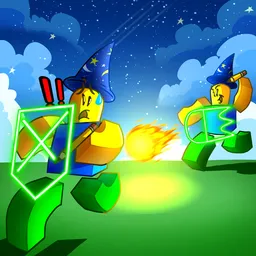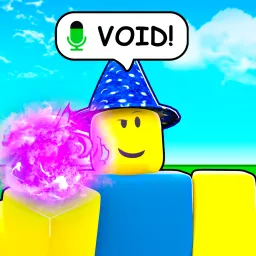
Wizard Arena drops players into high-speed magical combat where spells explode across the map, duels escalate instantly, and every match becomes a test of quick thinking and precision casting. With its blend of rapid-fire spell mechanics, class variety, and competitive matchmaking, the game rewards both strategy and reactive skill — making the Discord server an essential extension of the experience.
Inside the official server, players stay connected to every major update. Balance patches, new spell releases, arena adjustments, and seasonal events are all announced promptly, giving competitive players the insight they need to adapt their strategies. Whether a spell gets buffed, cooldowns shift, or a new arena layout drops, the server keeps everyone synchronized.
Community interaction forms the core of the server’s charm. Duelists compare spell builds, share optimal combos, and debate the strongest loadouts. New players also benefit from veteran discussions and gameplay breakdowns, making it easier to jump into the action while still keeping things friendly and energetic.
Players organize private duels, clan scrims, and community tournaments directly through the event channels. These gatherings not only sharpen combat skills but also strengthen the multiplayer community surrounding the game.
The official Wizard Arena Discord server enhances the game’s magical battles by keeping players informed, engaged, and consistently connected — a lively home for wizards ready to refine their craft.