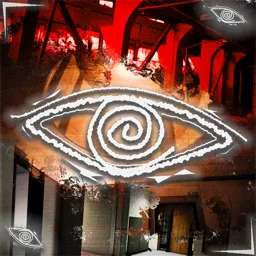
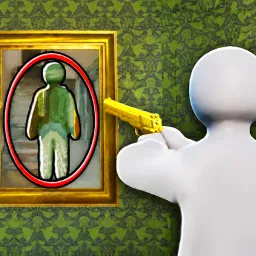
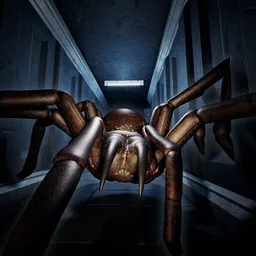
Step into Wonder VR, a surreal backrooms-inspired journey through dreamcore and liminal spaces. Explore endless hallways, uncanny rooms, and eerie dreamscapes that blur reality. Every corner hides mystery, nostalgia, or unease—will you escape the maze, or lose yourself in its infinite wonder?
In Wonder VR, you are placed in a shifting world where the familiar feels strange and the strange feels familiar. Vast yellow-lit corridors, empty malls, flickering neon rooms, and dreamlike landscapes stretch on forever, each space designed to spark curiosity and unsettle the senses. Some environments feel nostalgic, almost comforting, while others radiate pure dread—yet all of them share that same liminal quality of being “almost real.”
The experience is not just about walking through spaces—it’s about immersion. In VR, you’ll feel the scale of every hall, the emptiness of every room, and the disorientation of endless repetition. Sound design amplifies the unease: the faint hum of lights, echoes of unseen footsteps, or distant mechanical drones pulling you deeper into the unknown.
With no set path, exploration is freeform—your journey will be shaped by where you wander and what you dare to uncover. Some spaces may hide secrets, others may shift when you turn away, and a few might not want you to leave at all. Wonder VR blurs the line between dream and nightmare, nostalgia and fear, safety and danger.
The question is not only what you’ll find in these infinite spaces, but what they’ll awaken in you.