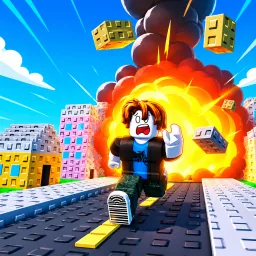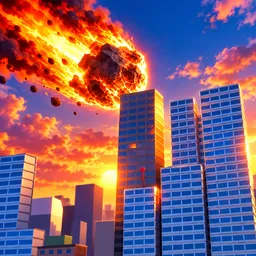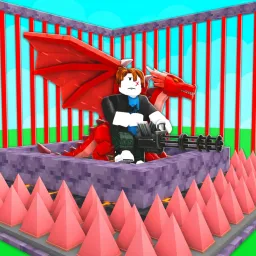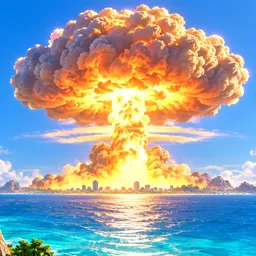
Building a powerful island is one thing. Keeping it intact when another player decides to launch a nuclear strike is quite another. World of Nukes is a Roblox strategy tycoon where you develop a small settlement into a military superpower. Construct your arsenal, choose targets, launch missiles, and expand your territory while preparing for retaliation from rival players.
Your offensive capabilities are only half the equation. Anti-air defenses and protective shields help prevent incoming attacks from destroying everything you’ve built. You can also take control of fighter jets and warships, adding aircraft and naval operations to the conflict. As your island develops, new military capabilities and major projects become available, including wonders and the Doomsday Device.
The official World of Nukes Discord is particularly useful for keeping up with free game codes. The server also publishes update logs and sneak peeks, giving players a way to follow upcoming additions and changes. Community discussions provide another place to exchange strategies, compare island development, and discuss the game’s military systems.
There is more to progression than accumulating missiles. Building a capable superpower requires balancing your offensive arsenal with defenses that can withstand attacks from other islands. Whether you’re concentrating on missile technology, developing your air force, or preparing a heavily fortified base, the Roblox experience gives you several ways to approach the competition.