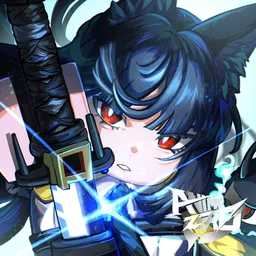
World // Zero on Roblox is a sprawling anime-inspired RPG, where players select classes, level up through missions, and face massive bosses in epic raids. The game features diverse worlds to explore, abundant loot to collect, and the kind of cinematic combat that turns every level into an adventure.
The official Discord server for World // Zero becomes your guild-hall, raid lobby, and strategy board all in one. Here, players coordinate dungeon runs, exchange tips for powerful class combos, and analyze boss mechanics together. Whether you’re struggling with a world boss or hunting a rare drop, the community offers insight and support that transforms solo progress into a shared journey.
Updates, balance patches, and class expansions often appear in the Discord first. Developers drop teasers, solicit feedback, and run community polls about upcoming additions. By staying active on the server, players gain early access to meta discussions, build guides, and sneak glimpses into what’s next for the game.
Joining the World // Zero Discord means you’re not just playing the game—you’re part of its evolution. Share your progress, join raids, and connect with allies who understand the grind. With community discussion backing your next dungeon run, the world of World // Zero feels less like a solo pilgrimage and more like a team expedition.