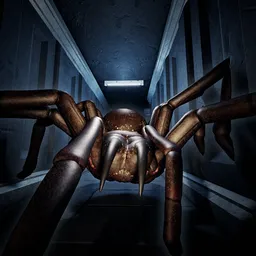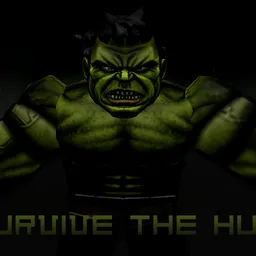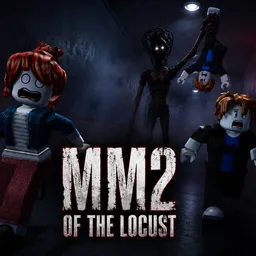
The maze is full of soul shards. The problem is that you’re not the only thing moving through it. HUNTED is the official Roblox adaptation of Dark Deception, developed by Glowstick Entertainment and Exclusible. Players explore cursed environments, collect shards, and try to survive the nightmares hunting them down. One wrong turn can turn a promising run into a desperate escape.
The official HUNTED Discord is a place for fans to follow game news and discuss their experiences. With new chapters arriving, players have fresh locations, enemies, and challenges to talk about. It’s also a natural gathering spot for people who already know Dark Deception and want to see how its horror translates to Roblox.
The latest chapter, Pillar Pursuit, adds another reason to return to the maze. Different environments and relentless enemies keep players guessing, while collecting every soul shard means you can’t simply sprint for the exit and ignore everything around you. Headphones are recommended for a reason: sound can make the difference between exploring confidently and realizing too late that something is nearby.
If you’re a Dark Deception fan, HUNTED brings that familiar mix of maze exploration and pursuit into Roblox. The official Discord gives you somewhere to share close escapes, discuss new chapters, and keep up with the game’s development. Just don’t get so caught up in the conversation that you forget what’s waiting around the next corner.