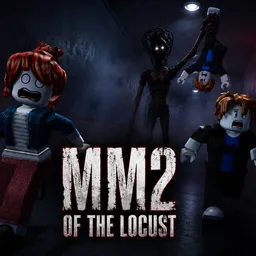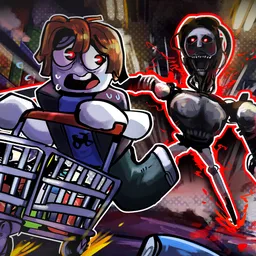
The red mist is spreading, and waiting around only gives the killer more time to get stronger. Abyssal Escape is an asymmetrical horror game on Roblox where a team of survivors must clear the mist and escape while a single killer hunts them down. You can customize your survivor and equip abilities, but none of that guarantees you’ll make it out.
The official Abyssal Escape Discord is the place to follow development news, announcements, and previews of upcoming content. Since the game is still in alpha, balance changes and new features are part of the experience. It’s also a place for players to share their matches and discuss what they’ve discovered.
Playing as a survivor means working with your team to clear the red mist and bring the escape closer. The killer has a different objective: hunt down the survivors and evolve into more dangerous phases as the match progresses. Entities such as 2011x and Furnace give the killer side its own identity, with distinctive voice acting and chase themes adding to the tension.
Abyssal Escape is still evolving, so there’s plenty to follow as the developers work on the game. Join the official Discord to keep up with updates, discuss survivor abilities and killer encounters, and share your narrow escapes. The mist won’t clear itself, and splitting up can be a risky decision.