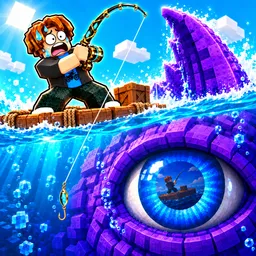
Roll a Fisherman

Connect with the official Roll a Fisherman Discord server! Find rare catches, trade fishing gear, and level up your Roblox fishing game with active players.

Roll A Fisherman Discord server

Created: September 10, 2026

Members: 12282

Join Discord Server

Dropping a line into digital waters sounds relaxing until you spend an hour pulling up literal trash while everyone else around you is flexing legendary catches. In this Roblox experience, progression is entirely tied to your luck and patience, and grinding by yourself quickly turns into an exhausting test of endurance.

Waiting on high-tier rolls without knowing the actual drop rates or the best upgrade paths means you are burning valuable time on dead ends. Staring at empty inventory slots and wondering if you are even spending your hard-earned coins efficiently gets old very fast.

That is precisely where jumping into the official community changes the dynamic completely. Instead of blindly guessing your way through every ocean tier, you can plug straight into a network of players who already know which rods and bait are actually worth your time.

The server gives you direct access to active trading channels, detailed stat breakdowns, and immediate alerts for game updates or fresh codes straight from the creators. Hooking up with other anglers turns a frustrating RNG grind into a smooth ride to the top of the leaderboards.

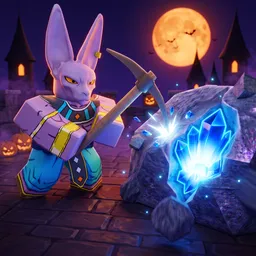
How to join the Roll a Fisherman Discord server?

If you are wondering how to join the discord server "Roll a Fisherman" to get the latest updates, announcements, and guides, just follow these simple steps:

  1. Scroll back to the top of this page and click the prominent "Join Discord Server" button.
  2. You will be instantly redirected to the official invite link for the Roll a Fisherman community.
  3. If the direct link doesn't open automatically on your mobile device, simply copy the invite code from the URL, open your Discord app, click the "+" (Add a Server) icon, choose "Join a Server", and paste the code there.

Safe Browsing Reminder

Please note that Discord.Do is an unofficial educational guide and catalog. We are not affiliated with Discord, Inc. We will never ask for your password, email, or login token. True Discord authentication happens strictly on the official discord.com domain. Always verify your browser's address bar and practice digital hygiene!

Leave a Reply

Your email address will not be published. Required fields are marked *