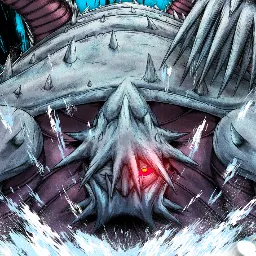
In Bloodlines, losing a character can mean losing far more than one fight. This Naruto-inspired Roblox action RPG features high-stakes progression, open-world exploration, and dangerous encounters with other players. The official Bloodlines Discord serves a practical purpose beyond ordinary community chat: the game’s Roblox page directs players there to report exploiters and submit restoration requests.
Much of the journey revolves around your clan, abilities, and standing in the world. Players develop their characters, unlock jutsu, take on missions, and explore areas where other shinobi may pose as much danger as the environment itself. Since progression carries real risk, learning the mechanics before rushing into a fight can save you a great deal of trouble.
The Discord is also a place to discuss builds, clan abilities, combat strategies, and changes introduced in updates. Experienced players can help explain complicated systems, while announcements and update logs keep the community informed about balance changes and new content. For anyone trying to develop a particular fighting style, comparing approaches with other players can be more useful than guessing which abilities work best.
If something goes wrong, the server is especially relevant for exploit reports and restoration requests. These are requests to the game’s team, not guaranteed reversals, so provide clear details and follow the available process. Whether you’re working toward a stronger shinobi or dealing with an issue that interrupted your progress, the official Bloodlines Discord is the main community resource to know about.