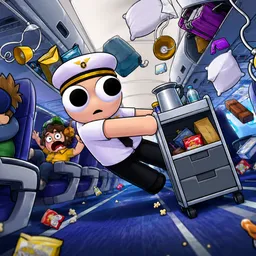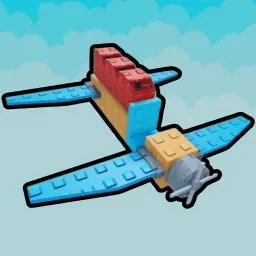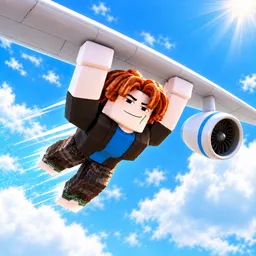
Someone missed a flight, and apparently the logical solution was to grab the aircraft by hand. That’s the premise of Catch a Plane!, a Roblox simulator where you leap at passing planes, latch on, and hope your grip lasts until you reach the finish. The higher you climb through the game, the more demanding those catches become.
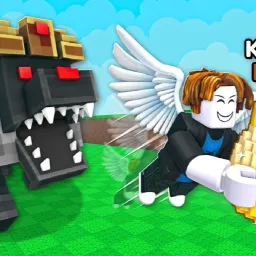
Your hands won’t hold forever, so training strength is part of the routine. Gloves matter just as much: better ones let you grab faster and heavier aircraft that would otherwise be out of reach. Gear boxes add another twist, offering equipment such as jetpacks, parachutes, and Gravity Wings. A successful flight earns trophies, which open access to new worlds.
The official Catch a Plane! Discord brings the community together around progression, equipment, and discoveries. Players can compare how far they’ve travelled, discuss their upgrades, and keep track of changes to the game. With several systems affecting how well a run goes, there’s more to work out than simply jumping at the right moment.
The funny part is that the plane doesn’t care how prepared you are. Miss the grab, lose your grip, or fail to make it to the finish, and you’re back to trying again. Each upgrade gives you another shot at going farther, catching better aircraft, and reaching worlds that once seemed completely out of reach.