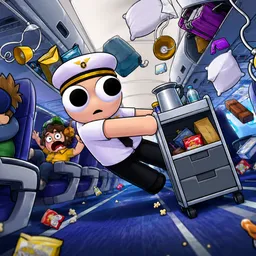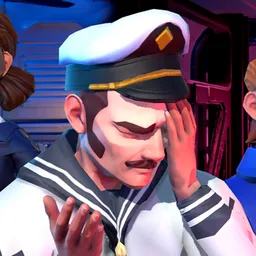
Somebody has to fly the plane. Somebody else has to deal with the passengers. And when something goes wrong at 10,000 feet, arguing about whose job it is probably won’t help. Dear Passengers is a co-op comedy game where up to four players try to deliver passengers and cargo without turning every flight into an aviation incident.
The Dear Passengers Discord is where the community gathers between flights. Players can find people to team up with, share clips of spectacular failures, and talk about the ridiculous situations that make each trip memorable. Two players can cause just as much chaos as a full crew; having more hands on deck doesn’t necessarily make the airline any better.
There’s more to manage than the controls. While one person pilots, the others handle cabin duties, serve food and drinks, and deal with passengers who may be the least of the crew’s problems. Risky cargo can pay better, but it can also make a bad flight considerably worse. Turbulence throws loose objects around, and one poorly handled situation can bring the whole operation down.
Dear Passengers is still awaiting release, and closed playtests are planned before launch. The official Discord is the place to watch for announcements about testing and follow the game’s progress. Until boarding begins, there’s time to assemble a crew — preferably one that won’t immediately blame the pilot when everything goes wrong.