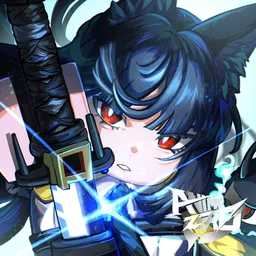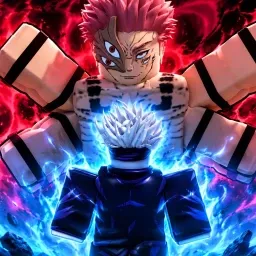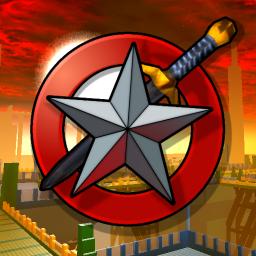
Combat Initiation is a fast-paced arena brickbattle game on Roblox, developed by Windforce Interactive. In this action-packed game, players engage in strategic battles using a variety of weapons to defeat opponents and climb the leaderboards. With a competitive environment and skill-based combat, the game provides a thrilling experience for those who enjoy fast-paced fighting mechanics.
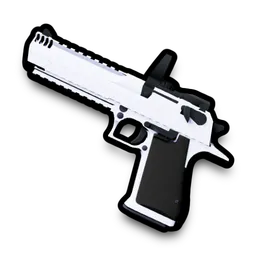
The game features multiple campaigns, each with distinct challenges and enemies. Players work together in teams of up to six (or more in expanded matches) to clear waves of opponents and progress through increasingly difficult stages. With seven different weapons to choose from, mastering combat techniques is essential for success.
To stay connected with the community and receive updates, players can join the official Combat Initiation Discord server. The server provides a space for fans to discuss strategies, share gameplay experiences, and participate in exclusive events. The developers actively engage with the community, ensuring that players stay informed about upcoming features and improvements.
Whether you are looking for teammates, want to refine your combat skills, or simply enjoy the competitive atmosphere, the Combat Initiation Discord server is the best place to connect with fellow players. Dive into the action, hone your abilities, and become a top contender in this intense Roblox fighting experience.