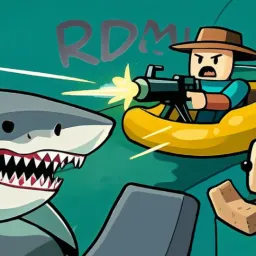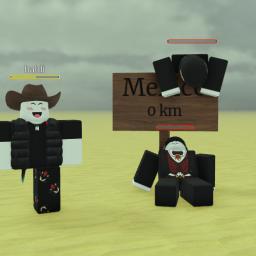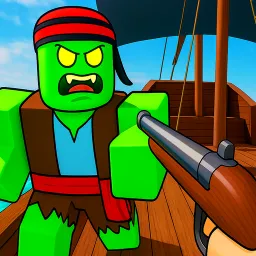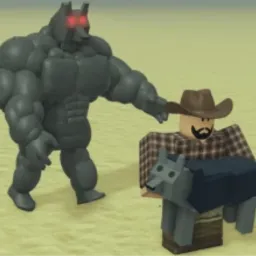
Dead Planets propels players into desolate, sci-fi landscapes where survival relies on mastering distinct classes, each armed with unique abilities and playstyles. Whether you’re a stealthy scout, a heavy-duty fighter, or a resourceful medic, your choice of class determines how you navigate the post-apocalyptic terrain, ward off hostile creatures, and support your teammates.
Progression revolves around earning experience to unlock new classes, gear, and planetary zones. Each planet introduces fresh environments, threats, and resources—so adapting your loadout and strategy becomes essential. Missions range from exploring abandoned outposts to harvesting rare alien materials, encouraging teamwork and class synergy for successful runs.
The official Dead Planets Discord server acts as your hub for all things survival. It’s where developers announce patch updates and upcoming features, and where players gather to share build strategies for different classes, map insights, and coordination for group ventures. Seasonal events, planet reveals, and community spotlights help make the universe feel alive and ever-evolving.
Whether you’re scouting for resources, holding the line against alien hordes, or healing allies on the frontier, Dead Planets blends class-based gameplay with exploration in a mysterious setting—and its Discord community ensures you’re informed, prepared, and ready for whatever each planet throws at you.