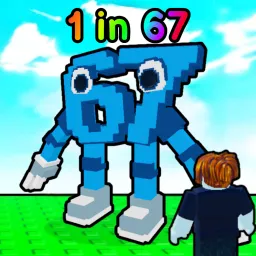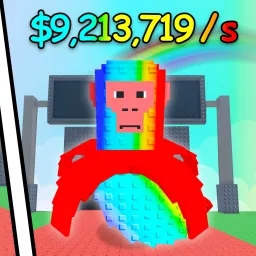
Dig and Hatch a Brainrot drops players into a chaotic Roblox world where digging, hatching, and experimenting with bizarre creatures is the name of the game. Each round feels unpredictable, with new surprises lurking in every hole, making teamwork and shared strategies invaluable. Naturally, the official Discord server becomes the go-to place for players to coordinate, share experiences, and stay updated on all the latest game content.
The server serves as a central hub for announcements, including new creatures, in-game events, and updates from the developers. Players can quickly see what’s changed, prepare for upcoming features, and discuss the best ways to navigate the game’s wacky mechanics. For a game built on unpredictability, having this centralized source of information keeps the community informed and engaged.
Beyond announcements, the Discord thrives on community interaction. Dedicated channels allow players to post their most chaotic digs, highlight their rarest hatches, and exchange tips on surviving the game’s absurd challenges. Memes, screenshots, and lively conversations make the server feel like an extension of the game’s energetic personality.
By connecting players and fostering a sense of shared adventure, the official Dig and Hatch a Brainrot Discord server elevates the Roblox experience. With coordinated events, community support, and continuous updates, it ensures players are never alone in the madness and always ready for the next brainrot-filled challenge.