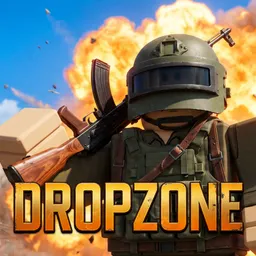
Your first decision in DROPZONE comes before you’ve fired a shot: where to land. Head for the power plant in search of valuable gear, aim for the radar station overlooking the hills, or stay away from the busiest locations until you’ve found decent equipment. This Roblox battle royale supports up to 100 players in a match, with solo, duo, and squad options.
The KOBALT map covers 2.4 square kilometres, with rivers, multiple settlements, and open ground where getting caught in the wrong position can be costly. Once the match begins, you’ll be searching for weapons, scopes, armor, medical supplies, and backpacks while keeping an eye on the shrinking safe zone. Vehicles and boats offer faster ways around the map, but moving quickly doesn’t necessarily mean moving safely.
There’s more to the gunplay than finding the rarest weapon. Optics ranging from red-dot sights to powerful long-range scopes let you adapt your setup, whether you prefer close-range fights or picking off targets from a distance. A teammate who gets knocked can be revived, giving squads a chance to recover from a bad engagement instead of immediately losing a player.
The official DROPZONE Discord brings players together to discuss loadouts, squad tactics, match experiences, and changes to the game. You can compare approaches to landing spots, talk about weapon attachments, and follow developments as the battle royale evolves. Credits and XP also give you longer-term goals beyond winning a single match, with outfits and weapon skins to unlock as you play.