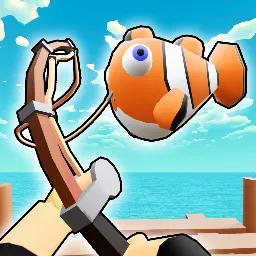
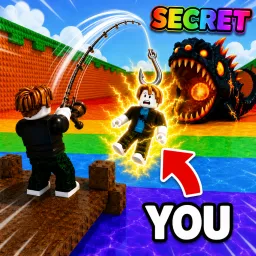
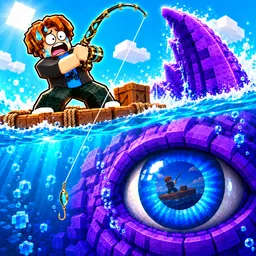
Fish and Fight is a relaxing yet addictive Roblox fishing simulator where players cast lines into a vast ocean ecosystem, hooking everything from common minnows to legendary specimens. It combines chill exploration with mild RPG progression—unlocking better rods, consumables like bait and potions, and cosmetic items keeps the gameplay fresh and engaging.
The game revolves around exploration and collection. You’ll fish in diverse environments, discover rare species, and earn in-game currency to upgrade gear or deck out your character. Community events occasionally introduce temporary loot zones or increased rarity chances that inject bursts of incentive into the relaxing grind.
The official Fish and Fight Discord server is the hub for players who want to stay ahead. It offers first access to redeemable codes—typically for potions, rods, and other helpful items—before they’re announced elsewhere. Beyond codes, the server fosters community via shared strategies for finding hidden spawn points, trading tips for maximizing rare catches, and notifications about game updates or live events.
Whether you’re in it for serene fishing sessions or eager to reel in the rarest catches, Fish and Fight provides a satisfying blend of relaxation and progression. The Discord adds that extra layer—connecting you with codes, community wisdom, and timely updates to enrich every fishing expedition.