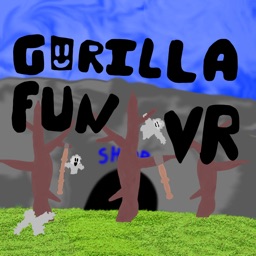
Welcome to Gorilla Fun VR! This server is your go-to destination for everything related to Gorilla Fun VR. Here, you’ll get all the latest updates, news, and information about upcoming events. Whether you’re a seasoned player or new to the game, you’ll find a wealth of information to enhance your VR experience.
In addition to updates and news, we have dedicated text channels where you can chat, hang out with your friends, and make new ones. Discuss strategies, share your in-game experiences, or simply enjoy casual conversations with other Gorilla Fun VR enthusiasts. Our community is friendly and welcoming, making it easy to connect with others who share your passion.
We also host special events and activities that you won’t want to miss. From in-game challenges to live-streamed sessions, there’s always something exciting happening. Stay tuned for announcements and be sure to participate for a chance to win prizes and gain recognition in the community.
Moreover, if you haven’t already, don’t forget to download Gorilla Fun VR. Immerse yourself in the vibrant world of gorillas, explore diverse environments, and engage in thrilling adventures. The game is constantly evolving, with new content and features added regularly based on player feedback.
Enjoy your time here, make the most of the resources available, and let’s have some fun! Welcome to the Gorilla Fun VR family!