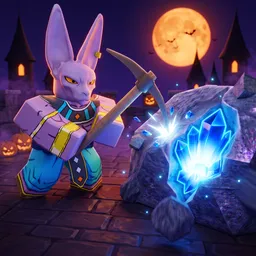
Grow Mine transforms your mining dreams into reality on Roblox. You place Rift Spawners that automatically generate ores—even while you’re offline—and then use your pickaxe to extract and sell them. With each upgrade in pickaxe power or Rift rarity, your income scales up, allowing for deeper progression into rare ore tiers and better spawners.
Beyond passive profits, the game spices things up with event-based PvP: during special events, you can duel other players to claim resources, adding an exciting competitive twist. Whether actively digging or cashing in offline gains, there’s a steady sense of progression as you unlock stronger tools and powerful Rifts.
The official Grow Mine Discord server is essential for staying in the loop. It distributes new codes through the announcements channel—codes for extra spins, rare Rifts, or coins land faster there than anywhere else. You’ll also find community tips on optimal Rift placement, crafting setups, and PvP strategies. Developers frequently post update previews, event info, and prompts for feedback—making the server a direct line to the game’s evolution.
Between auto-mining, event clashes, and Discord-powered bonuses, Grow Mine builds an engaging mining world that’s both easygoing and rewarding. If you’re looking to dig deeper, grow faster, and stay connected with fellow miners, the Discord server is the best tool for leveling up together.