Welcome to Kenji Discord Gaming Community!
Calling all Myanmar Dota 2 aspiring players! Prepare to immerse yourself in an amazing community of passionate gamers who live and breathe the world of Dota 2.
What Awaits You:
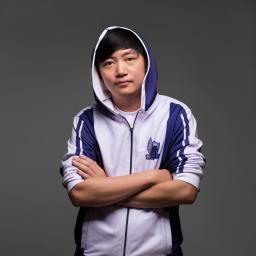
Live Stream Announcements: Stay on top of the action! Get real-time alerts when Kenji goes live on Facebook. Never miss a thrilling moment as we embark on epic gaming journeys together.
Dota 2 Tournament Alerts: Never miss a match of epic Dota 2 battles. Receive real-time notifications when the tournament streams go live.
Party Up for Victory: Tired of solo queue frustrations? Find like-minded players to party up with, form effective teams, and conquer the battlegrounds together. Communication and coordination make all the difference.
Gaming Discussions: Dive into in-depth discussions about the latest gaming trends, strategies, and updates. Share your thoughts on the hottest titles, tips, and tricks with a community that shares your passion.
Positive Vibes: We believe in creating a friendly, inclusive environment where respect and kindness thrive. Connect with gamers who share your enthusiasm and passion for gaming.
Join now to be part of the Kenji’s Gaming Sanctuary! Whether you’re a hardcore gamer, a casual enthusiast, or just love the gaming atmosphere, there’s a place for you here.
![Machine Party Roblox [official] Discord server](https://discord.do/wp-content/uploads/2026/08/Machine-Party-Roblox-official-Discord-server.webp "Machine Party")