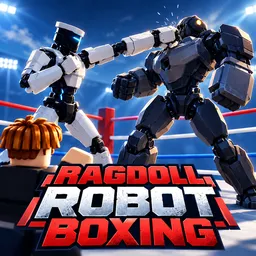
A good punch should send your opponent flying. In Ragdoll Robot Boxing, it might also leave them folded in a completely ridiculous position. This Roblox fighting game uses physics-based combat, so every hit produces a different reaction. Pick a robot, enter the ring, and try to outbox another player or challenge the bots.
Blocking, ducking, weaving, hooks, and uppercuts all play a part in a fight. Robots also have their own special moves, and collecting new fighters adds another reason to keep playing. Some are harder to obtain than others, making spins and the rewards from progression worth looking out for.
One particularly useful reason to join the official Ragdoll Robot Boxing Discord server is the codes. The community shares redeemable codes for free rewards, including Spins, Lucky Spins, and Gears. These can help with unlocking robots and building up your collection. New codes can appear alongside updates, so checking the server is a good way to avoid missing them.
There is more to the server than freebies. Players can show off rare robots and gadget setups, exchange fighting strategies, discuss upcoming changes, and share suggestions with the developers. Whether you’re hunting for your next robot or looking for someone to challenge in the ring, it’s a useful place to keep the game going outside Roblox.