Roblox Rivals – Official

Roblox Rivals - Official Discord for finding opponents, discussing weapon loadouts, joining events, and sharing gameplay tips.

Roblox Rivals

Created: July 06, 2025

Members: 46136

Join Discord Server

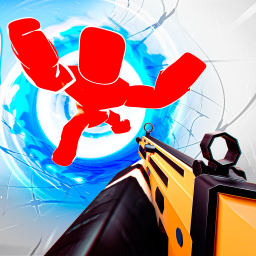
RIVALS is a fast-paced Roblox FPS where players compete in 1v1 to 5v5 duels. The first player or team to reach five wins takes the match. Weapons, skins, contracts, and win streaks give players plenty to work toward between battles.

Roblox Rivals – Official is a community server focused on the game. Its listing highlights looking for teammates, events, giveaways, and information about updates. Players can connect outside Roblox, discuss their matches, and find others who want to compete.

For anyone trying to improve, there’s plenty to talk about beyond winning or losing. Weapon choices, aim, movement, and how to handle different opponents all affect the outcome of a duel. Finding other players for practice can also make it easier to test your skills against different playstyles.

Despite its name, this server should not be confused with the verified developer-run Nosniy Games Discord. It’s better suited to players looking for a community around RIVALS, while the Nosniy Games server is the place to check for announcements directly from the studio.
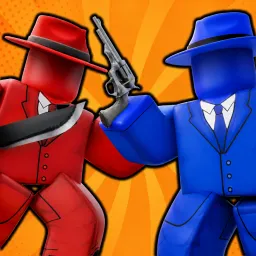

How to join the Roblox Rivals – Official Discord server?

If you are wondering how to join the discord server "Roblox Rivals – Official" to get the latest updates, announcements, and guides, just follow these simple steps:

  1. Scroll back to the top of this page and click the prominent "Join Discord Server" button.
  2. You will be instantly redirected to the official invite link for the Roblox Rivals – Official community.
  3. If the direct link doesn't open automatically on your mobile device, simply copy the invite code from the URL, open your Discord app, click the "+" (Add a Server) icon, choose "Join a Server", and paste the code there.

Safe Browsing Reminder

Please note that Discord.Do is an unofficial educational guide and catalog. We are not affiliated with Discord, Inc. We will never ask for your password, email, or login token. True Discord authentication happens strictly on the official discord.com domain. Always verify your browser's address bar and practice digital hygiene!

Leave a Reply

Your email address will not be published. Required fields are marked *