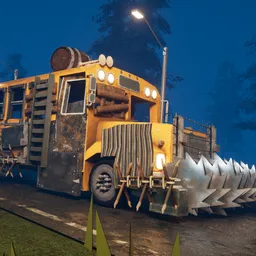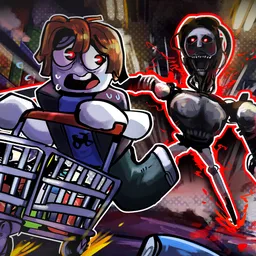
The apocalypse has a rather undignified ending in ShredDead: an industrial shredder, an endless supply of zombies, and absolutely no reason to stop having fun. This incremental strategy game turns your last stand into a production line for the undead. Shoot them, burn them, blow them up, or send them through the machinery. The more zombies you process, the more resources you have to make the whole operation nastier.
Eventually, doing everything yourself becomes inefficient. Your grunts can handle the slaughter while you concentrate on upgrades, equipment, and the sprawling skill tree. Zombies also drop loot, giving you another reason to keep the waves coming. And if the ordinary undead start feeling a little too ordinary, a mad scientist can accelerate their evolution. Naturally, the results aren’t pretty.
The official ShredDead Discord is open to players who want to discuss builds, share feedback, and follow the game’s development. It’s a useful place to compare upgrade choices and talk about which improvements make the biggest difference. With several systems feeding into one another, there’s more to experiment with than simply increasing damage and watching the numbers climb.
What sets ShredDead apart from a typical zombie survival game is the absence of a failure state. You’re not desperately rationing bullets before the inevitable defeat; you’re building a more effective zombie-processing operation, one upgrade at a time. The apocalypse is already lost. You might as well make the most entertaining use of it.