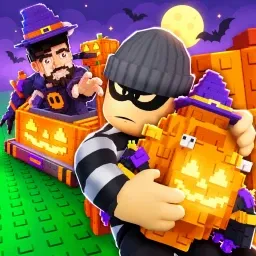
Steal an Clown Egg

Join the official Steal an Clown Egg Discord! Coordinate chaotic heists, hunt rare eggs, and team up with active players today.

Steal an Clown Egg Discord server

Created: September 22, 2026

Members: 2098

Join Discord Server

Sneaking around to snatch high-value loot sounds straightforward until half the lobby notices you and turns the whole map into an absolute circus. In this chaotic Roblox experience, executing a clean heist requires more than just luck—it demands absolute coordination and split-second timing.

Trying to pull off these sneaky missions entirely by yourself usually ends with a clown horn blowing your cover and a dozen angry players chasing you across the map. You misjudge a jump or get caught in the open for a fraction of a second, and all your hard-earned progress vanishes instantly.

That is where tapping into the official community server flips the script entirely. Instead of getting cornered alone, you can link up with players who actually know how to create effective distractions and pull off multi-person heists without tripping every alarm in sight.

The server features active channels for trading strategies, organizing breakout squads, and getting instant updates straight from the developers. Hop in, find a crew that watches your back, and start walking away with the prize instead of becoming part of the punchline.
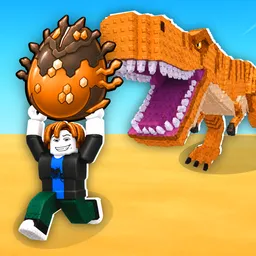

How to join the Steal an Clown Egg Discord server?

If you are wondering how to join the discord server "Steal an Clown Egg" to get the latest updates, announcements, and guides, just follow these simple steps:

  1. Scroll back to the top of this page and click the prominent "Join Discord Server" button.
  2. You will be instantly redirected to the official invite link for the Steal an Clown Egg community.
  3. If the direct link doesn't open automatically on your mobile device, simply copy the invite code from the URL, open your Discord app, click the "+" (Add a Server) icon, choose "Join a Server", and paste the code there.

Safe Browsing Reminder

Please note that Discord.Do is an unofficial educational guide and catalog. We are not affiliated with Discord, Inc. We will never ask for your password, email, or login token. True Discord authentication happens strictly on the official discord.com domain. Always verify your browser's address bar and practice digital hygiene!

Leave a Reply

Your email address will not be published. Required fields are marked *