Survive Your Ideas

Join the official Survive Your Ideas Discord server to share crazy word ideas, discuss chaotic survival rounds, and meet other players.

Survive Your Ideas Discord server

Created: October 27, 2026

Members: 35

Join Discord Server

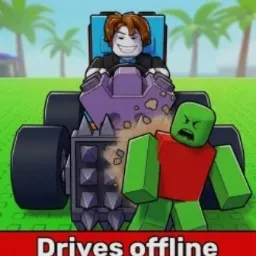
One player types a word, and suddenly everyone has to deal with the consequences. A dinosaur, a tsunami, a nuclear explosion or even a shower of tacos — in Survive Your Ideas, almost anything can become a threat. The idea is simple: words turn into real in-game events, and everyone else has to stay alive.

The official Survive Your Ideas Discord server gives players a place to share their wildest ideas, discuss unexpected disasters, post funny moments, and meet others who enjoy the chaos. It’s also a good spot to keep up with announcements and see what other players think should happen next.

What makes the rounds unpredictable is that new words don’t replace the previous events. They stack up, so surviving becomes increasingly difficult as the chaos unfolds. A relatively peaceful round can quickly turn into complete madness, with players scrambling to avoid whatever has appeared on the map.

There is no need for complicated strategies when the next disaster might be something nobody expected. Still, comparing survival tactics, discussing the strangest word combinations, and watching how other players react can be half the entertainment. The Discord community keeps that fun going even after a round ends.


How to join the Survive Your Ideas Discord server?

If you are wondering how to join the discord server "Survive Your Ideas" to get the latest updates, announcements, and guides, just follow these simple steps:

  1. Scroll back to the top of this page and click the prominent "Join Discord Server" button.
  2. You will be instantly redirected to the official invite link for the Survive Your Ideas community.
  3. If the direct link doesn't open automatically on your mobile device, simply copy the invite code from the URL, open your Discord app, click the "+" (Add a Server) icon, choose "Join a Server", and paste the code there.

Safe Browsing Reminder

Please note that Discord.Do is an unofficial educational guide and catalog. We are not affiliated with Discord, Inc. We will never ask for your password, email, or login token. True Discord authentication happens strictly on the official discord.com domain. Always verify your browser's address bar and practice digital hygiene!

Leave a Reply

Your email address will not be published. Required fields are marked *