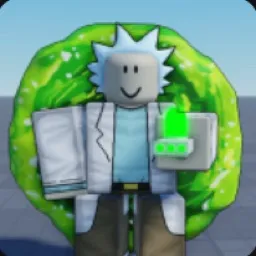
Portal Sandbox

Portal Sandbox official Discord for portal experiments, Rick and Morty-inspired chaos, PvP encounters, and new gameplay features.

Portal Sandbox Discord server

Created: August 29, 2025

Members: 439

Join Discord Server

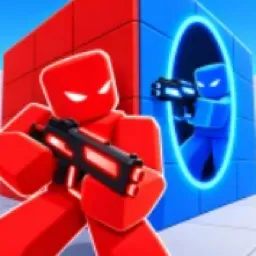
One portal gets you across the map. The next might drop you straight into a fight. Portal Sandbox is a Roblox free-roam game inspired by Rick and Morty, built around portal-gun experiments, player combat, and tools that let you cause trouble in unexpected ways.

There’s more to play with than teleportation. You can regenerate your character, use a laser pistol, wield a knife, or enter the Blender Dimension by pressing the right key before going through a portal. Experimenting with these mechanics is part of the appeal, especially when other players are around to complicate things.

The official Portal Sandbox Discord is the community hub for following development and discussing the game. Since the experience is still evolving, new features and changes are worth keeping an eye on. Players can talk about their experiments, share what they’ve discovered, and follow the creator’s plans for the sandbox.

Portal Sandbox leaves room for both messing around and picking fights. You might spend a session testing portal setups, then end up in a PvP encounter that changes the whole plan. The fun comes from experimenting with the tools available and seeing what happens when the game stops going the way you expected.
How to join the Portal Sandbox Discord server?

If you are wondering how to join the discord server "Portal Sandbox" to get the latest updates, announcements, and guides, just follow these simple steps:

  1. Scroll back to the top of this page and click the prominent "Join Discord Server" button.
  2. You will be instantly redirected to the official invite link for the Portal Sandbox community.
  3. If the direct link doesn't open automatically on your mobile device, simply copy the invite code from the URL, open your Discord app, click the "+" (Add a Server) icon, choose "Join a Server", and paste the code there.

Safe Browsing Reminder

Please note that Discord.Do is an unofficial educational guide and catalog. We are not affiliated with Discord, Inc. We will never ask for your password, email, or login token. True Discord authentication happens strictly on the official discord.com domain. Always verify your browser's address bar and practice digital hygiene!

Leave a Reply

Your email address will not be published. Required fields are marked *



