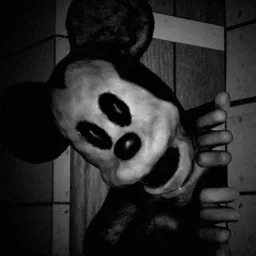
A fishing trawler is a terrible place to discover that something has come aboard without permission. Thalassomania is a first-person, PS1-inspired horror game on Steam where an ordinary fishing job gradually turns into a desperate attempt to keep the vessel operational. The crew has to haul in nets, gut and store the catch, maintain the engine, steer through dark waters, and deal with problems that have nothing to do with fishing.
What makes the work particularly uncomfortable is how the ship is laid out. The tasks are scattered between different areas, so the crew cannot simply stay together. Someone might be busy with the catch while another is dealing with an engine problem, leaving parts of the vessel dangerously quiet. Meanwhile, the creature moves through walls and ventilation shafts, and can damage equipment you’ve already repaired. Proximity voice chat makes those moments even more unsettling: hearing a crewmate somewhere nearby doesn’t necessarily mean they’re safe.
The official Thalassomania Discord server gives players a place to assemble crews before another voyage, exchange advice about keeping the trawler running, and share encounters with whatever is hunting them. It also offers a direct way to follow OffTheHookGames and discuss the game’s development. The demo has already received changes based on player experiences, including new hints for locating tools and completing repairs, so feedback from the community has a practical role in improving the game.