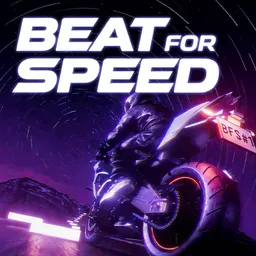
What if your music playlist could become a road to ride? Beat For Speed takes songs from your computer and turns their rhythms into a motorcycle experience. Lane changes, dodges, and obstacles follow the music, so a fast electronic track feels completely different from a mellow indie song. You can import your own music or use Live Audio Mode to play along with whatever is already running on your PC.
CyanCoast has also given players tools to make the experience their own. The built-in Level Editor lets you manually design rhythm tracks, while Steam Workshop makes it possible to publish creations and try levels made by other players. There’s also a collection of professionally crafted tracks featuring independent artists, and global leaderboards for those who prefer chasing high scores rather than creating their own courses.
The official Beat For Speed Discord server is more than a place to read announcements. CyanCoast has organized community music challenges there, inviting players to ride along with selected songs and share the experience. The developers also use the server to collect bug reports, hear suggestions, and discuss improvements. For players who enjoy experimenting with their own music or creating custom levels, it’s a good place to exchange ideas and discover what other members of the community are making.