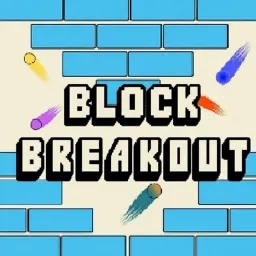
Some levels in Block Breakout look straightforward until a single block refuses to cooperate. That’s usually when the conversation starts. A screenshot of the final layout appears in chat, followed by guesses, alternative approaches, and someone claiming they cleared the same stage on the first try. Before long, several members are replaying it just to prove their method works better.
Not every strategy survives that kind of testing. Experienced players often point out small details that are easy to overlook, while newcomers ask why a seemingly obvious move makes the next section more difficult. Instead of posting simple answers, people explain their thinking, turning difficult levels into puzzles that the whole community gradually solves together.
Fresh updates always bring another round of experimentation. Members compare newly added stages, discuss changes to existing mechanics, and race to finish new content before detailed strategies begin circulating. If promotional codes are released, they usually appear in the same conversations as players return to see what’s been added.
The most active discussions rarely happen after an easy victory. They’re sparked by the stage that almost everyone gets stuck on, the solution nobody expected, or the clip that makes others immediately open the game to see if they can clear it differently.